
Credit note versus corrective invoice: which one when?
You've sent an invoice that's no longer correct. Can you adjust it? Or do you need a credit note? The difference — and the legal rules.
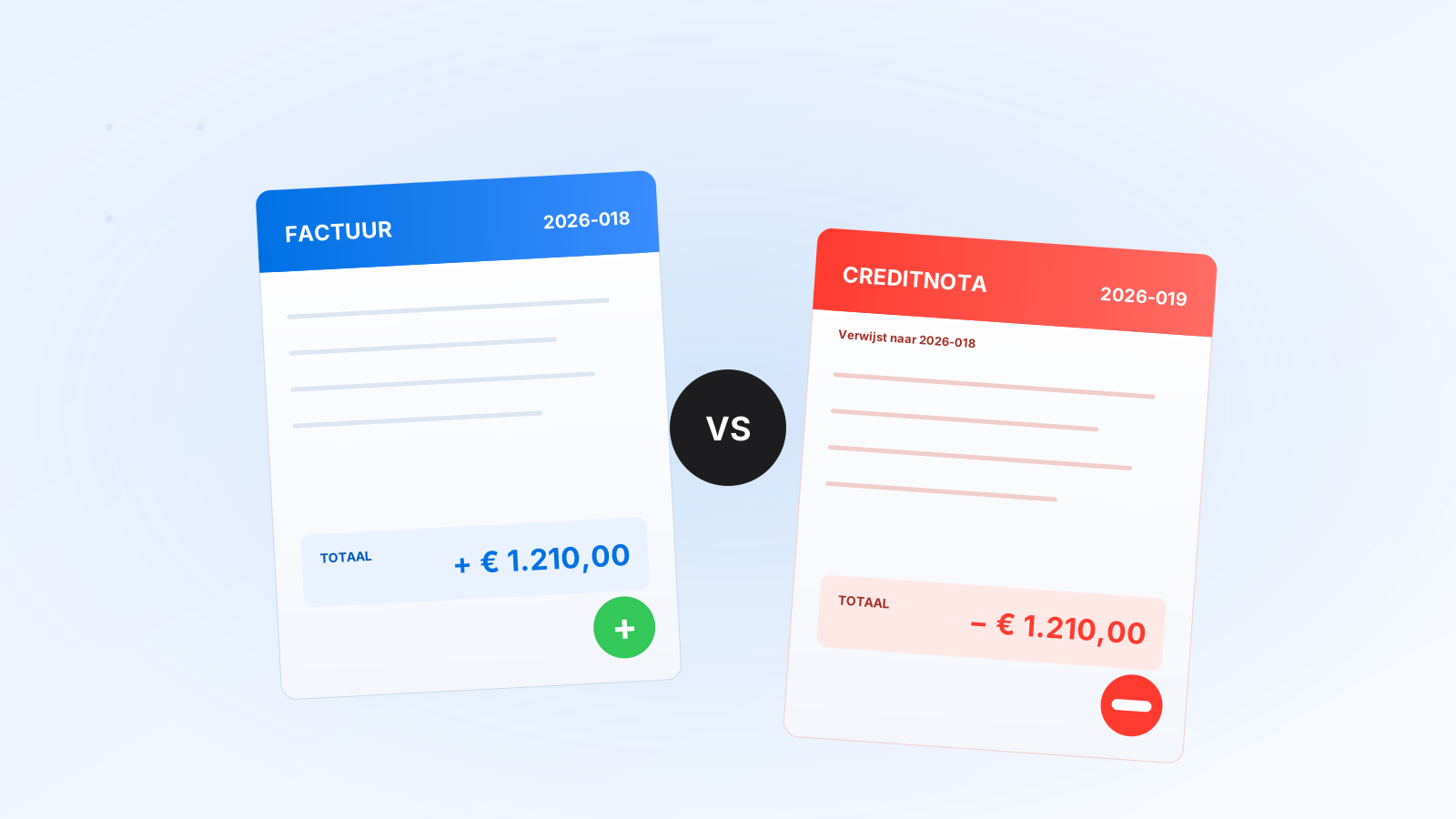
You've sent an invoice. Two days later your customer calls: "The amount is wrong." Or: "Wrong VAT." Or: "We only received half of it." What now? Can you just adjust the invoice? The short answer: no. The long answer you'll find here.
The golden rule: a sent invoice is immutable
Once an invoice is sent to your customer, it's a fiscal document with a fixed status. Adjusting it is not allowed — the Dutch Tax and Customs Administration (Belastingdienst) views it as manipulation of records. Instead, you use one of two instruments: a credit note or a corrective invoice.
When to use a credit note?
You send a credit note if the original invoice needs to be reversed in full or in part. For example:
- The customer has returned a product
- The invoice was wrong (amount, VAT, customer details, description)
- A discount is granted retroactively
- The delivery did not take place
The credit note explicitly references the original invoice and contains a negative amount. If the customer is credited 100%, you can then send a new invoice with the correct amount.
When to use a corrective invoice?
A corrective invoice is a specific form of credit note: you essentially send two documents — a credit note that reverses the entire original invoice, plus a new (correct) invoice. In practice, it's cleaner than a complex partial credit.
In the Netherlands we often use these terms interchangeably. What matters is: the document must be a complete credit of the incorrect one, and then a correct invoice can be sent.
What must be on a credit note?
- All 11 mandatory fields of a regular invoice
- Its own, unique sequence number (from the same or a separate series)
- Marking "Credit note" or "Credit"
- Reference to the original invoice number and date
- Reason for credit (brief)
- Amount with minus sign
- VAT with minus sign
VAT implications
A credit note also corrects your VAT return. Did you send an invoice for €1,000.00 + €210.00 VAT in Q1, and a credit note for it in Q2? Then you owe €210.00 VAT in Q1, and get €210.00 back in Q2 — net zero, but both returns must be filed.
If you issue the credit in the same quarter? Then it automatically offsets in the same return.
Common mistakes
- Original invoice deleted from the system. Don't do this. The invoice stays; you add a credit to it.
- No reference to original invoice number. The credit note can't be linked to the correct sale anymore.
- Negative amount as a regular invoice. An invoice with -€500 on it is not a credit note — it's only legally valid if marked as 'credit note'.
- Credit + correction in one document. Confusing for customer and accountant. Split into two documents.
How do you do it in Invoisio?
For each invoice there's a button "Create credit note". You choose whether you want to credit 100% or a specific amount, and we automatically generate a correctly marked credit note with a reference to the original. The VAT return is updated automatically. Want to send a new correct invoice after that? One click from the credit note — amounts and customer are carried over, you only adjust what's correct.
Was this helpful?