
Send by email, share wherever you like.
Invoisio emails your invoice with the PDF and, with Stripe, a payment link. Want to send it via WhatsApp too? Copy the link or share it in one tap via your own WhatsApp.
How your invoice reaches your client.
By email, with your name
Your client receives the invoice with the PDF attached, with your company name as sender. If your client replies, it comes to you.
Copy the link
Every invoice and quote has its own secure link. Copy it and paste it into any message: email, WhatsApp or text from your own phone.
Share via your own WhatsApp
Is your client’s phone number filled in? Then one tap opens your own WhatsApp with a ready-made message and the link. You send it yourself.
Automatic reminders
Three days before the due date your client gets a reminder by email. Overdue notices after 3, 14 and 30 days are something you switch on yourself.
Email from Invoisio, WhatsApp from you.
Invoisio does not send texts or WhatsApp messages on your behalf. You share the link yourself, from your own phone — so your client sees right away who it is from.
Try for free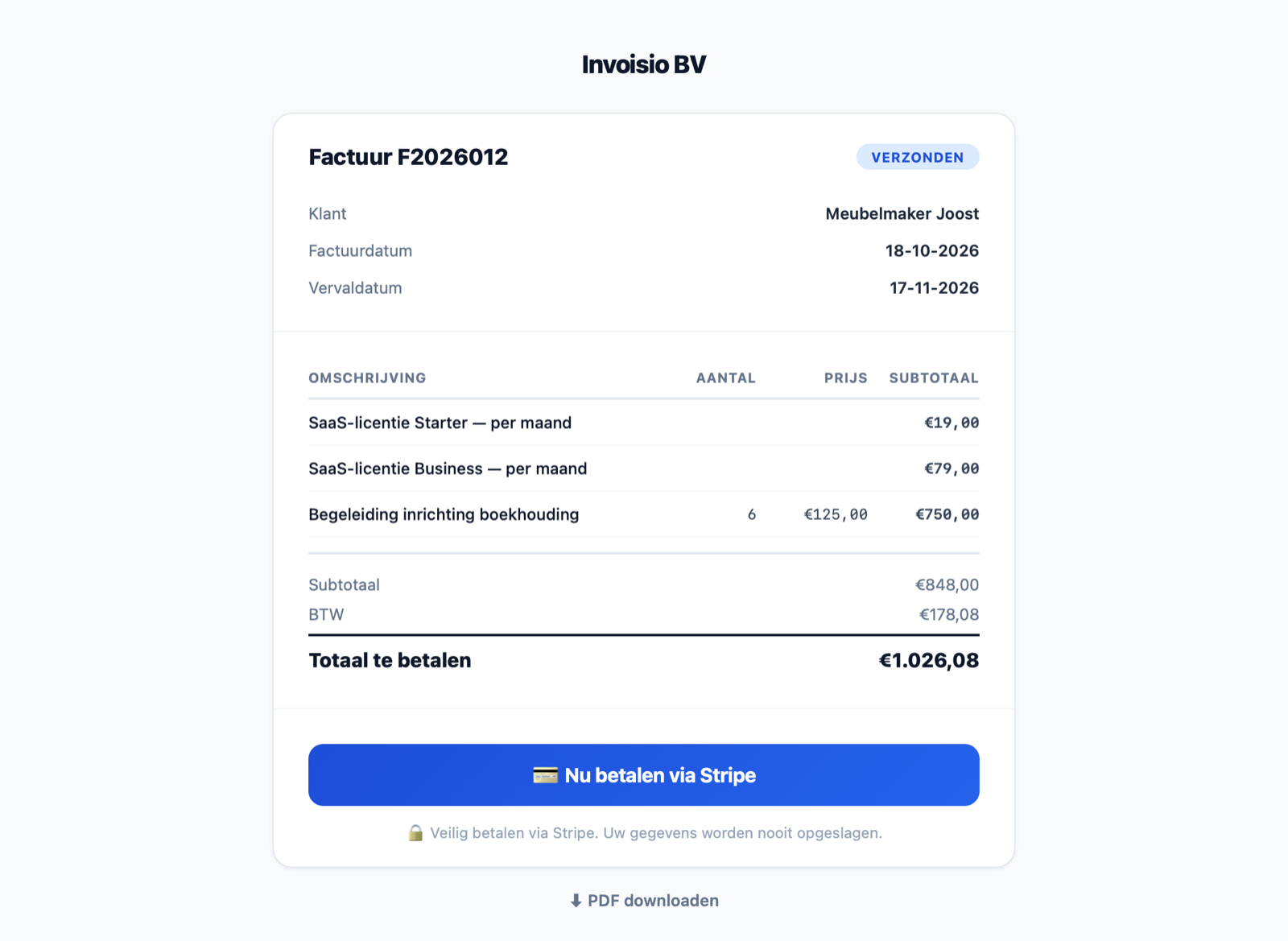
Frequently asked questions
Does Invoisio also send texts or WhatsApp messages to my client?
Who is the email from?
Can I change the email text?
Which reminders are sent automatically?
Does this cost extra?
Ready to send your first invoice?
Email, copying the link and sharing via WhatsApp are included in every plan.