
Pay and sign with one link.
Every quote and invoice gets its own secure link. Your client does not need to create an account or remember a password.
Everything your client needs, behind one link.
A link per document
Every quote gets a link to accept online. With Stripe connected, every invoice gets a payment link. The links are in your email and work 24/7.
View online
Your client views the quote or invoice online, with your logo at the top. An invoice can also be downloaded as a PDF.
Pay online
Via the payment page with iDEAL, credit card or Bancontact. The invoice switches to Paid by itself.
Sign quotes
Your client signs the quote via the link. Name, time and IP address are recorded and you are notified straight away.
No account, no password.
Your client clicks the link in the email and sees their quote or invoice straight away. Paying or signing is instant.
Try for free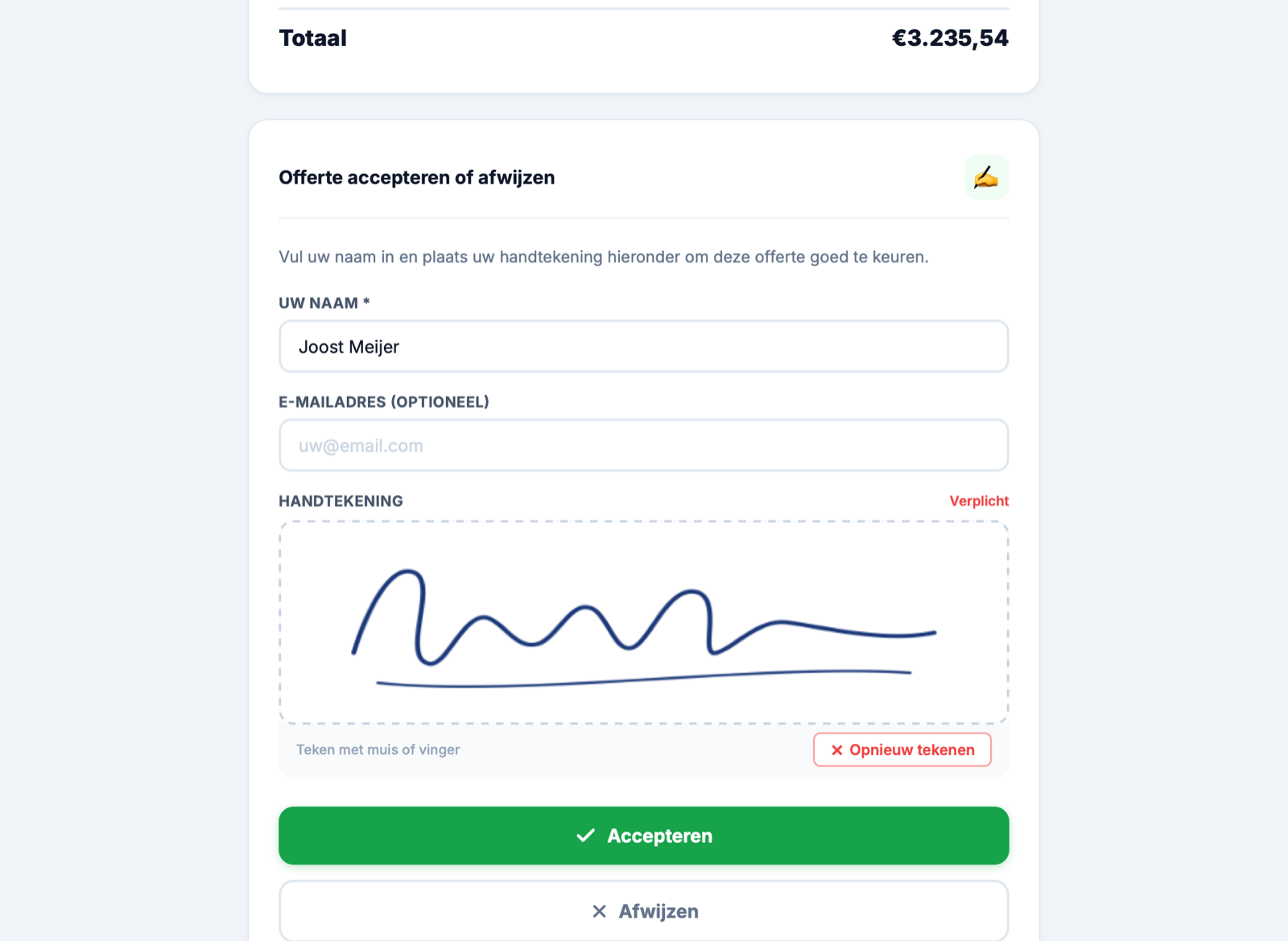
Frequently asked questions about payment and quote links
Does my client need to log in?
Is there a client portal with all my invoices?
Can someone else guess the link?
Is my logo on the page?
Does it work on mobile?
Let your client pay and sign faster.
The links go out automatically with your quotes and invoices. Connect Stripe to accept online payments too.