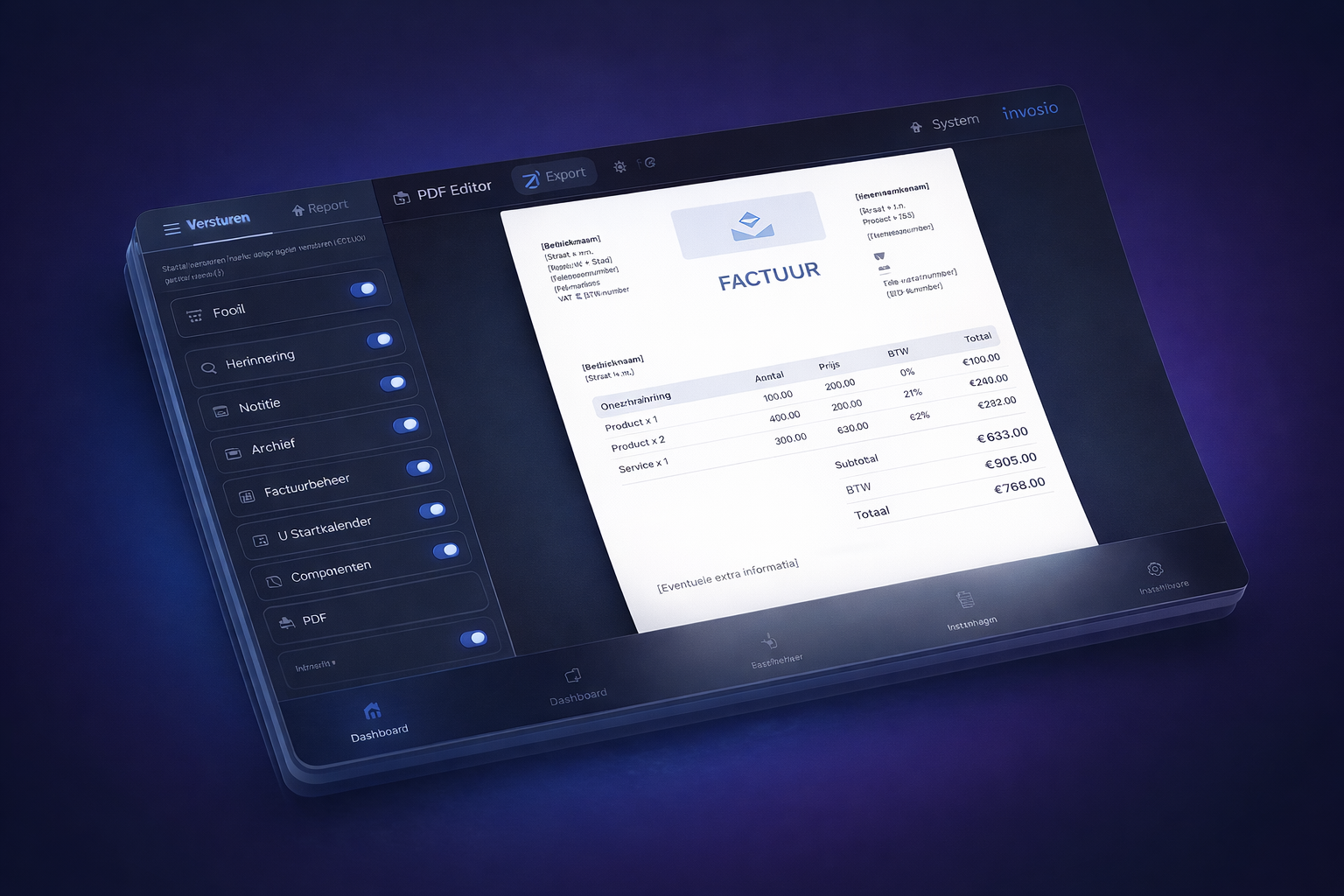
Late payers? Invoisio chases for you.
A friendly reminder before the due date and, if you like, three overdue notices after it. Stops by itself once your client pays. No more awkward calls.
No more awkwardness, just automated.
Before the due date
Three days before the due date your client gets a friendly reminder by email. On by default; switch it off in your profile or in the app.
Overdue notices
After 3, 14 and 30 days overdue: three notices, each a little firmer. The last one mentions debt collection. Then it stops. Off by default; you switch them on yourself.
Your own text
You can change the subject and text of the reminder before the due date. The overdue notices have a fixed, businesslike text.
Stops on payment
Once the invoice is marked Paid, through Stripe, the bank link or by you, no more reminders go out.
Friendly beforehand, firmer when needed.
The reminder before the due date is a friendly nudge. The notices after it get firmer each time. You decide whether they are on.
Try for free