
Quotes your client accepts online.
Your client signs via a secure link and you are notified right away. Then you turn the quote into an invoice in one click.
From quote to deal — without friction.
Digital signature
Your client accepts and signs online, without an account. Name, signature, time and IP address are recorded and the signed PDF is stored.
Straight to invoice
One click on ‘Convert to Invoice’: client, lines, VAT and layout carry over.
Expiry & reminders
Set a validity date. After that your client can no longer accept. Turn on reminders and your client gets an automatic nudge beforehand.
Your branding
The same look as your invoices: choose one of the five fixed styles or your own design from the PDF editor.
Conversion
Accepted? One click and the invoice is ready.
Click ‘Convert to Invoice’ and client, lines and VAT are already filled in. Check it and send.
Try for free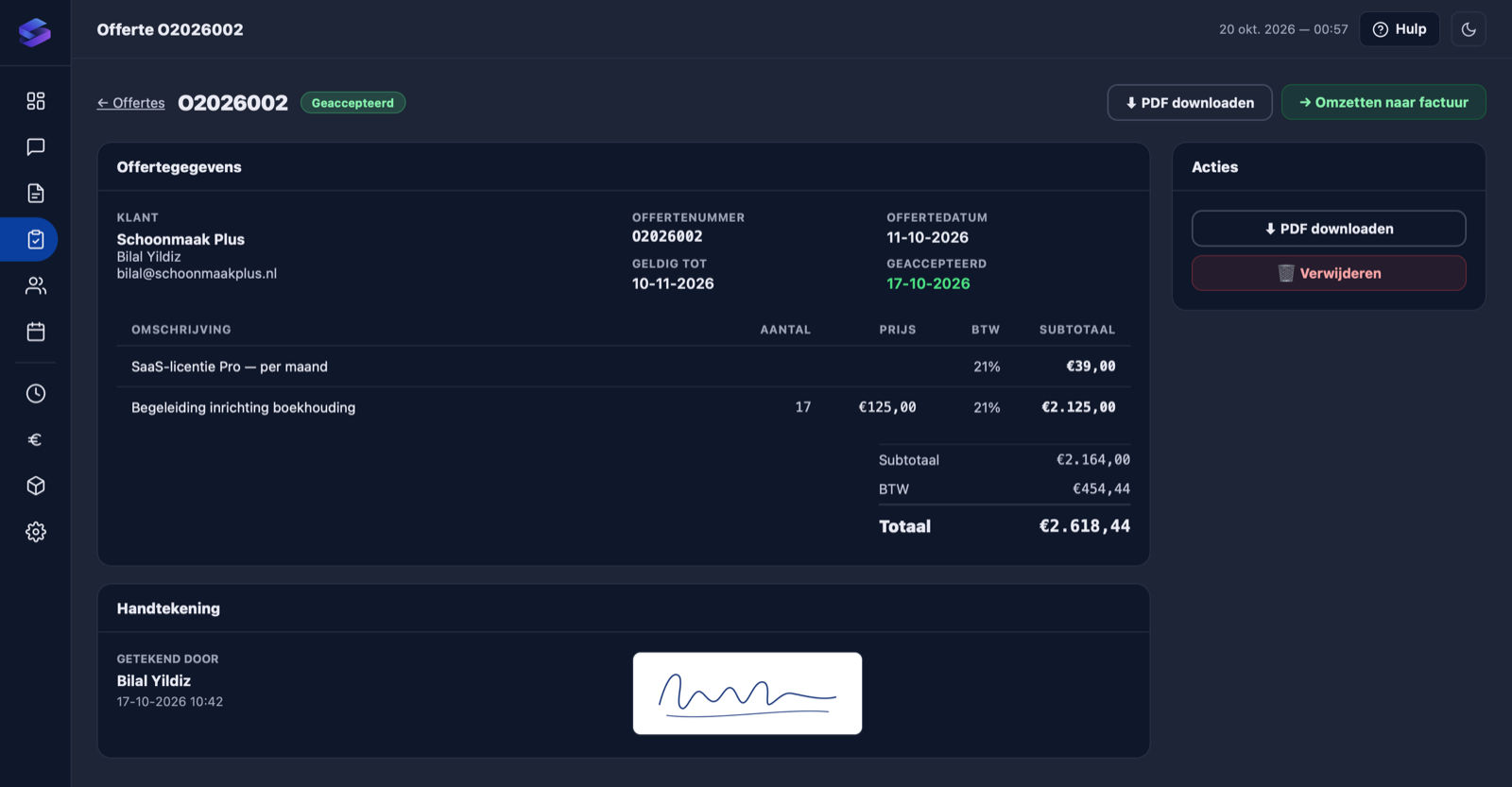
Frequently asked questions about quotes
How do I create a quote?
Go to Quotes → New Quote, pick a client and add lines. When you send it, your client gets an email with the PDF and a link to accept online.
How does my client accept?
Your client opens the unique link, enters their name, signs and accepts. Time and IP address are recorded and the signed PDF is added to the quote. You are notified straight away.
How does a quote become an invoice?
Open the quote and click ‘Convert to Invoice’. Client, lines, VAT and layout are copied over.
What happens when a quote expires?
After the validity date the link shows that the quote has expired and your client can no longer accept it. In your overview the date turns red. Want your client to get a reminder beforehand? Turn it on in your company settings.
Can I customise the layout of my quotes?
Yes. Quotes use the same PDF editor as invoices. Use one design for both or make a separate one for quotes. Or pick one of the five fixed styles.