
Invoicing in Excel or with invoicing software? Costs, time and the right choice
Many freelancers start invoicing in Excel or Word. Makes sense, it's free. But what does it really cost you in time and risk, and when is invoicing software the better choice?
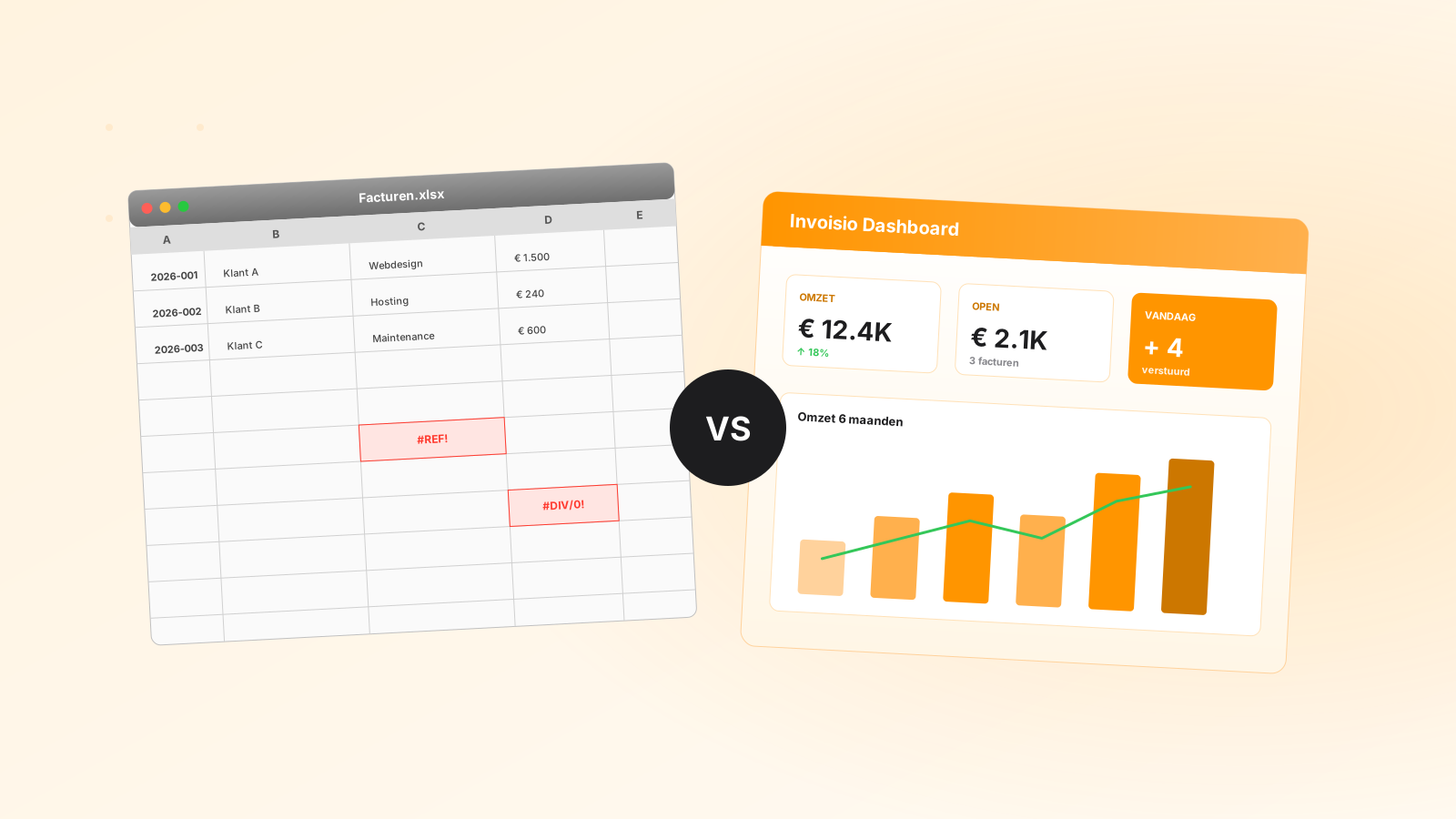
"I just invoice in Excel, it works fine and costs nothing." You hear it a lot from new business owners. And for your first few invoices, that's true. But once you invoice more often, you pay in a different way: with time, with mistakes and with money that arrives later. In this article we compare invoicing in Excel with invoicing software, honestly. And if you stick with Excel, you'll read how to do it properly.
Invoicing in Excel: how to do it properly
Invoicing in Excel or Word is allowed. The Dutch Tax Administration (Belastingdienst) sets requirements for what is on your invoice, not for the program you make it in. Pay attention to these five points:
- All mandatory details. Your own details and your customer's, your Chamber of Commerce (KvK) number and VAT identification number, the invoice date, a description, the amount, the VAT rate and the VAT amount. The full list is in mandatory invoice details in the Netherlands.
- A unique, sequential invoice number. Keep one list and never issue a number twice. How to set it up is explained in invoice numbering: how to choose your invoice number.
- Calculate VAT correctly. Check the rate on every line (21%, 9% or 0%) and add the text "btw verlegd" (VAT reverse-charged) when reverse charge applies.
- Always send a PDF. Your customer can (accidentally) change an Excel file; a PDF they can't.
- Keep it for seven years. You have to keep your invoices for 7 years, in the form in which you sent them. See invoice retention requirements.
The hidden time
An invoice in Excel or Word easily takes fifteen to twenty minutes:
- Opening the template and saving it under a new name
- Typing or copying the customer's details
- Filling in the lines and calculating the VAT
- Looking up the invoice number in your separate list
- Exporting to PDF
- Writing an email with the PDF attached
- Putting a reminder date in your calendar
Example: 10 invoices a month × 20 minutes = more than 3 hours a month. At an hourly rate of €60, that's about €200 of time you can't bill.
The mistakes that happen most often
- A duplicate invoice number. Two invoices with the same number: your accountant loses extra time, and during an audit it raises questions.
- A VAT mistake. The wrong rate, or forgetting to reverse-charge VAT for an EU customer. You can only fix it with a credit note, which is extra work.
- Outdated details. You have a new IBAN, but three templates don't. Your customer pays into your old account.
- Forgotten reminders. A customer doesn't pay for 90 days, and you no longer remember when the payment term ended.
- A wrong formula. One wrongly copied cell in your sales list, and your VAT return no longer adds up.
Getting paid faster
A PDF invoice asks your customer to create a bank transfer themselves: type the IBAN, fill in the amount, add the invoice number. Every step is a reason to put it off. With a payment button on the invoice, your customer pays in a few clicks, for example with iDEAL. And anyone who is late automatically gets a reminder, without you having to keep track of who still owes you.
From 2030, Excel is no longer enough
On 11 September 2026, the Dutch government announced that e-invoicing will become mandatory for invoices between businesses from 1 July 2030. That applies not only to invoices to other EU countries, but also within the Netherlands. An e-invoice is not a PDF, but a structured file following the European standard EN 16931, which your customer's accounting software can read automatically. Which network these invoices will have to be sent through is not yet known. There will be no separate exemption for small businesses; the existing exemptions within the small business scheme (KOR) remain the starting point.
You can't make such an e-invoice in Excel or Word. If you invoice businesses, you will have to switch before 2030 either way. Read more in e-invoicing and Peppol.
Excel and invoicing software side by side
- Time per invoice. Excel: 15 to 20 minutes. Invoicing software: a minute or two, because your customers and products are already in it.
- Invoice numbers. Excel: keep track yourself. Invoicing software: automatically sequential, and a number can't occur twice.
- VAT. Excel: calculate and check it yourself. Invoicing software: calculated per line, with an overview per period.
- Payment. Excel: your customer makes a bank transfer. Invoicing software: a payment button, for example with iDEAL.
- Reminders. Excel: keep track yourself. Invoicing software: automatic.
- E-invoice (mandatory from 2030). Excel: not possible. Invoicing software: a UBL file following EN 16931.
- Cost. Excel: no subscription, but your time. Invoicing software: a fixed monthly fee.
What does invoicing software cost?
Most packages charge a fixed monthly fee. Invoisio Starter, for example, costs €9.99 a month, or €5.99 a month if you choose two years (all prices). Compare that with the example above:
- Excel: €0 subscription + more than 3 hours × €60 = about €200 a month in time
- Invoicing software: €9.99 subscription + half an hour × €60 = about €40 a month
And that's before fewer mistakes, getting paid faster and less searching at VAT-return time.
Choosing invoicing software: 7 points
- Is your invoice right straight away? All mandatory details, sequential numbers, the right VAT rates and "btw verlegd" for EU customers.
- Can your customer pay directly? A payment button with iDEAL saves you chasing your money.
- Do reminders go out automatically? Keeping track of who's late is exactly the work you want to get rid of.
- Is there a bank connection? Then you see which invoices have been paid without searching.
- Does it help with your VAT return? An overview of VAT per period, and the option to export your invoices with VAT for yourself or your accountant.
- Can you make e-invoices? Mandatory for B2B from 1 July 2030. Choose software that can already make a UBL file following EN 16931.
- Can you try it first? A free trial without a credit card, and the option to export your data if you ever leave.
When is Excel fine?
To be fair: sometimes software is more than you need.
- You send 1 or 2 invoices per quarter as a hobby
- You have 1 regular customer with the same amount every time
- You're testing the market and don't know yet whether you'll continue
But as soon as you send 5 or more invoices a month, have business customers or invoice fixed monthly amounts, manual work costs you more than it saves.
Frequently asked questions
Can you invoice in Excel?
Yes. The Tax Administration sets requirements for what is on the invoice, not for the program. Make sure all mandatory details are there and the numbering is sequential. Note: from 1 July 2030 you have to send businesses an e-invoice, and you can't make that in Excel.
Is an invoice made in Word or Excel valid?
Yes, if all mandatory details are on it. Send it as a PDF, so it can no longer be changed.
What is the best invoicing software for freelancers?
That depends on how much you invoice and what you need. Use the 7 points above as a checklist, and try a package for free before you choose.
Can I switch from Excel later?
Yes. In your new software, choose an invoice number that follows logically from your last number in Excel. You simply keep your old invoices as you sent them.
Try Invoisio free for 30 days, no credit card needed. If it's not for you, you're not tied to anything.
Was this helpful?