
Freelance accounting in 30 minutes per month: a practical workflow
Most freelancers hate accounting because they tackle it once a quarter in one long session. A short monthly routine of 30 minutes keeps everything on track, without the pain.
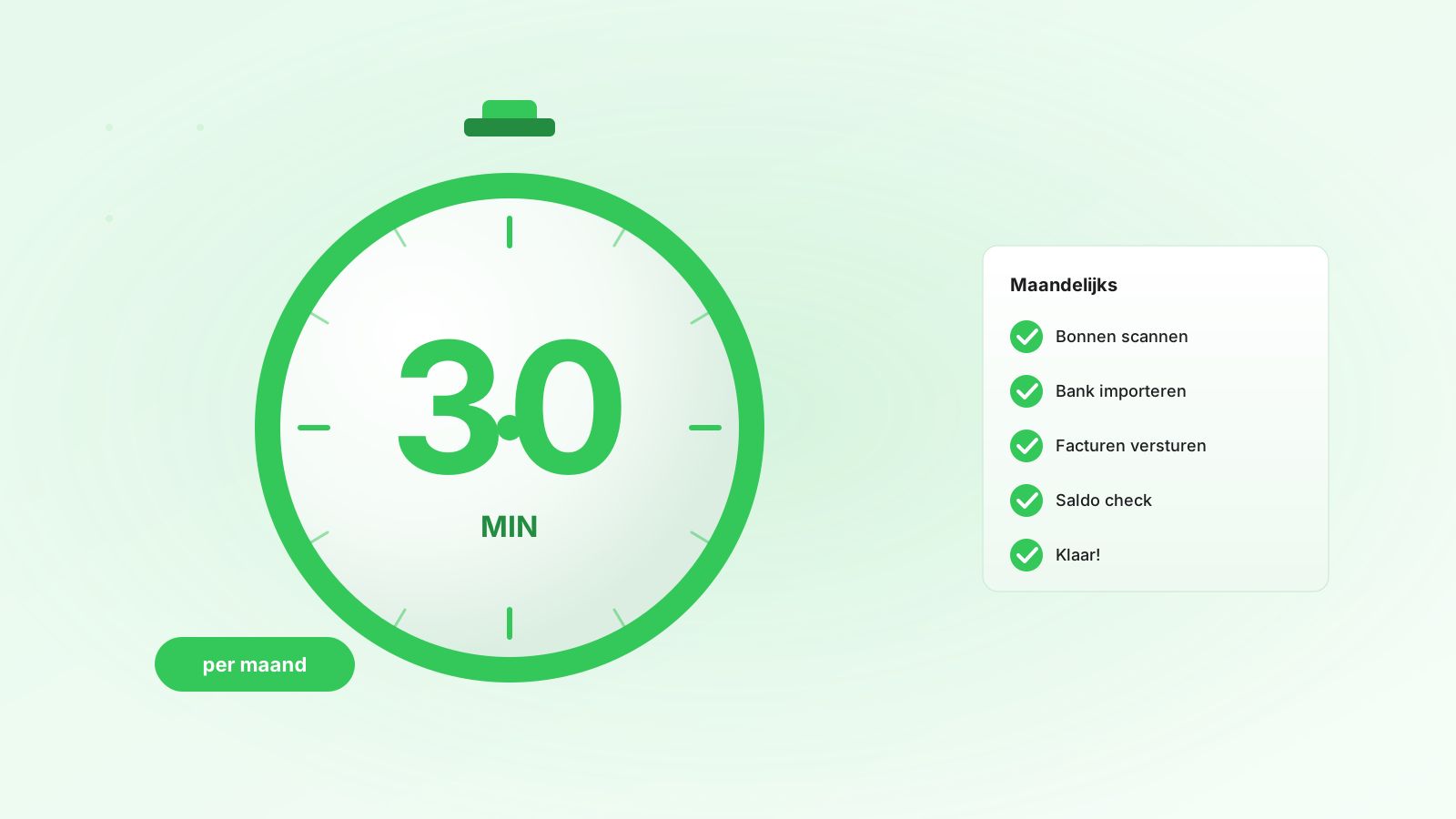
For most freelancers, accounting is something that always gets done "tomorrow". Then December rolls around, your accountant sends an invoice for €800 to untangle twelve months of chaos — and you swear you'll do it differently next year. And then you do the same thing next year.
The fix: a fixed monthly routine of 30 minutes. Here's how.
Fixed day, fixed time
Pick the first working day of the month. Schedule a recurring appointment in your calendar, 09:30 — 10:00. No rescheduling, no postponing. This is the crucial step: without a fixed appointment, it won't happen.
The checklist (in this order)
1. Process receipts & invoices (10 min)
Grab the stack of papers or search through your inbox. For each receipt or invoice:
- Photo / scan
- Upload to your accounting software (label: month, supplier, category)
- Original files away in a folder — sorted by month, done
Tip: process receipts immediately when you receive them (in the car, after filling up — just take a photo). Then this task is already half done at the start of the month.
2. Review sales invoices (5 min)
Go through all invoices from the past month. Check:
- Have they all been sent? Any stuck in draft?
- Which ones are paid, which aren't?
- For unpaid: due date passed? → send a reminder.
3. Review bank statements (5 min)
Do you have bank integration? Then the match between bank transaction and invoice runs automatically. Check which transactions haven't been matched yet:
- Unknown deductions → register as expenses
- Unknown income → create an invoice (or choose the correct category for subsidies/refunds)
4. Mileage log + hours (5 min)
Do you have a business vehicle? Pull up your mileage log and check if everything is complete. Did you log hours for clients? Review them and link them to the correct client/invoice.
5. Final check + planning (5 min)
- Review your dashboard: revenue this month, expenses, expected VAT liability
- Upcoming quarter deadline? Mark it in your calendar
- Upcoming expenses (insurance, subscriptions) → check availability on your business account
Months 3, 6, 9, 12: VAT return
On the first of January, April, July, October, add an extra 30 minutes. The additional work:
- Export VAT return from your software
- Log into the tax authority portal
- Enter figures one by one
- Submit + pay via iDEAL
With a good tool, you'll be done in 15 minutes.
End of December: year-end tax return preparation
On the last working day of December, block one hour. Review all 12 months for completeness, export an annual report, send it to your accountant. Ready for the income tax return in March.
What does this deliver?
- Time — 30 min/month × 12 = 6 hours per year. Compare that to 2-3 days of catching up at year-end.
- Money — your accountant can send a 30-50% lower invoice because everything is neatly prepared.
- Peace of mind — no more quarter or year-end dread. On the 15th of the month, the tax authority could show up — everything is in order.
- Better visibility — you know month-by-month how you're doing. Bad month? You'll spot it early and adjust in time.
Tools that help
Whichever software you choose, make sure it has at least:
- Bank integration with automatic invoice matching
- Mobile receipt uploads (photo → automatically filled in)
- VAT return export
- Dashboard with revenue/expenses/VAT overview
Invoisio has all of this built-in. AI import automatically recognizes supplier receipts (amount, VAT, date), bank integration matches in seconds, and the VAT export delivers ready-made figures for the tax authority. 30 minutes per month is more than enough.
Was this helpful?