
VAT return for freelancers: when, how and what if you forget?
File a return each quarter, pay on time and fill in the correct sections. This is how you file your VAT return without penalties.
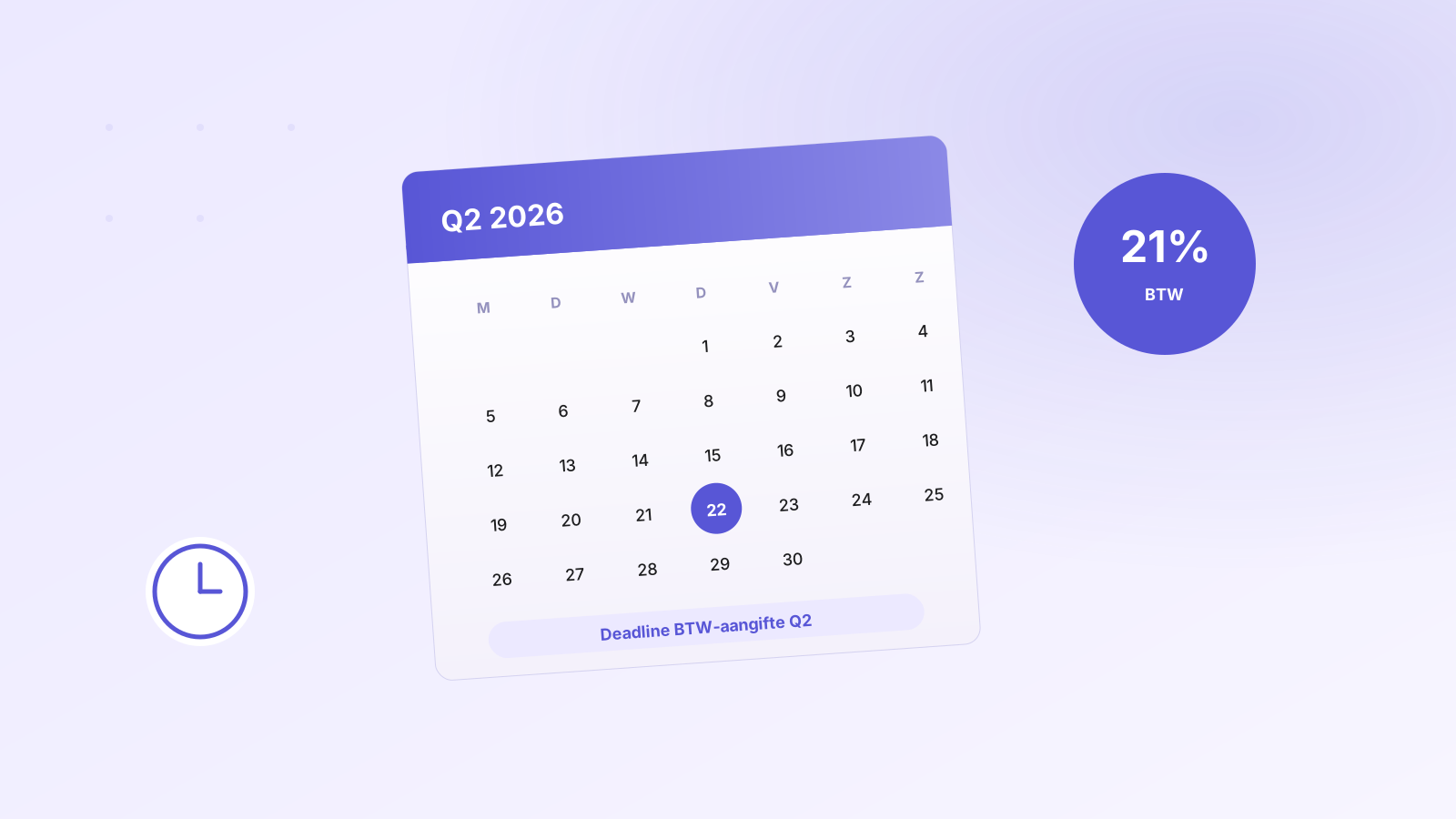
The VAT return is the most dreaded administrative task for many freelancers. Yet — if you tackle it systematically — it's a matter of half an hour per quarter. Here's everything you need to know.
When do you need to file?
Most freelancers file quarterly returns. You'll automatically receive an invitation from the Tax Authority each quarter. Deadlines are:
- Q1 (Jan-Mar): by 30 April
- Q2 (Apr-Jun): by 31 July
- Q3 (Jul-Sep): by 31 October
- Q4 (Oct-Dec): by 31 January (following year)
At higher turnover (from around €7,000 VAT liability per quarter), the Tax Authority requires monthly filing. At very low turnover, you can request an annual return.
The sections — what goes where?
The return has a number of sections you need to fill in:
- 1a — supplies/services 21% — your regular invoices to NL customers
- 1b — supplies/services 9% — e.g. books, food, events
- 3a — reverse charge NL — subcontracting in construction, cleaning
- 3b — supplies to EU (intra-community) — invoices to EU businesses with valid VAT number
- 4a/4b — outside EU — exports
- 5b — input VAT — VAT you paid on business purchases, which you can claim back
What if you forget a return?
The Tax Authority first sends a reminder. If you ignore it, a penalty for non-filing follows:
- 1st time: €68 penalty
- Thereafter: €136 per violation
- If unpaid: 4% interest per year on the outstanding amount
Did you really have no turnover? Then you still need to file a nil return — otherwise you can still receive a penalty.
The three most forgotten deductible items
- VAT on car maintenance, fuel and parking — for business use (note: private adjustment required).
- VAT on phone and internet subscriptions — proportional to business use.
- VAT on office supplies, software subscriptions, accounting software — often forgotten because they're small amounts.
How do you automate it?
In Invoisio, all invoices are automatically categorized into the correct VAT section. At the end of the quarter, you export a complete VAT return with one click — all amounts are correct, all sections are filled. You copy them one-to-one to My Tax Authority.
No manual work, no Excel spreadsheets, no pivoting. And most importantly: no forgotten returns ever again.
Was this helpful?