How the Invoisio app works.
Invoices, quotes, receipts and hours from your phone. Explained step by step, with pictures from the app.
Step by step

-
1
Open the app: your dashboard
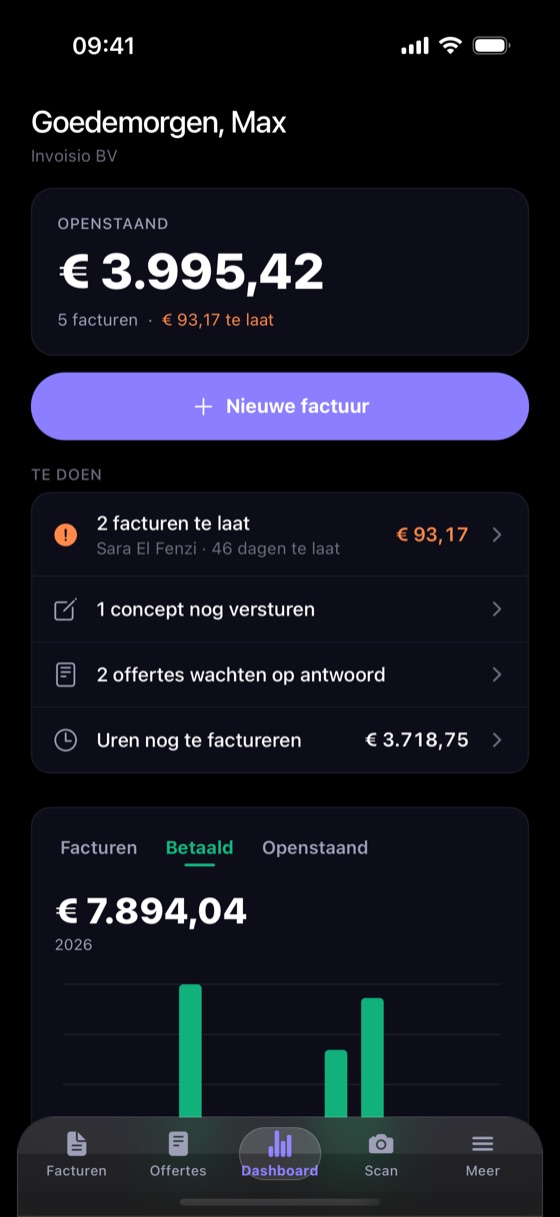
At the top you see how much is still outstanding and how much is overdue. Under To do you find what needs attention: overdue invoices, drafts still to send and quotes waiting for an answer. Tap one and you are there.
-
2
Create an invoice
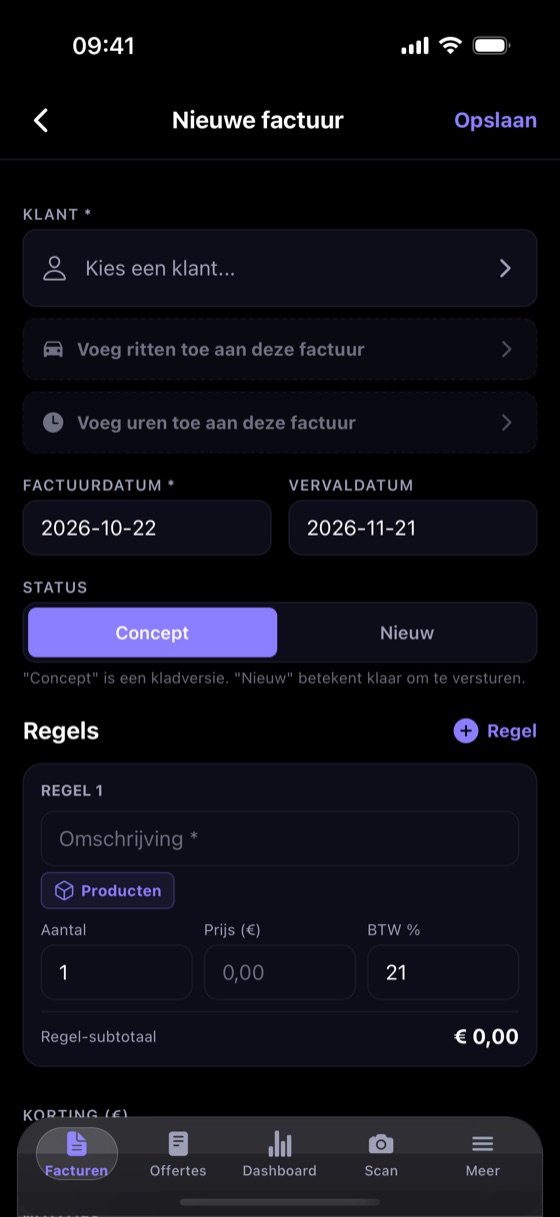
Tap New invoice and pick a client. Fill in the lines or choose a product, and save. Add the hours you worked and the trips you drove with one tap.
-
3
Send it and follow up
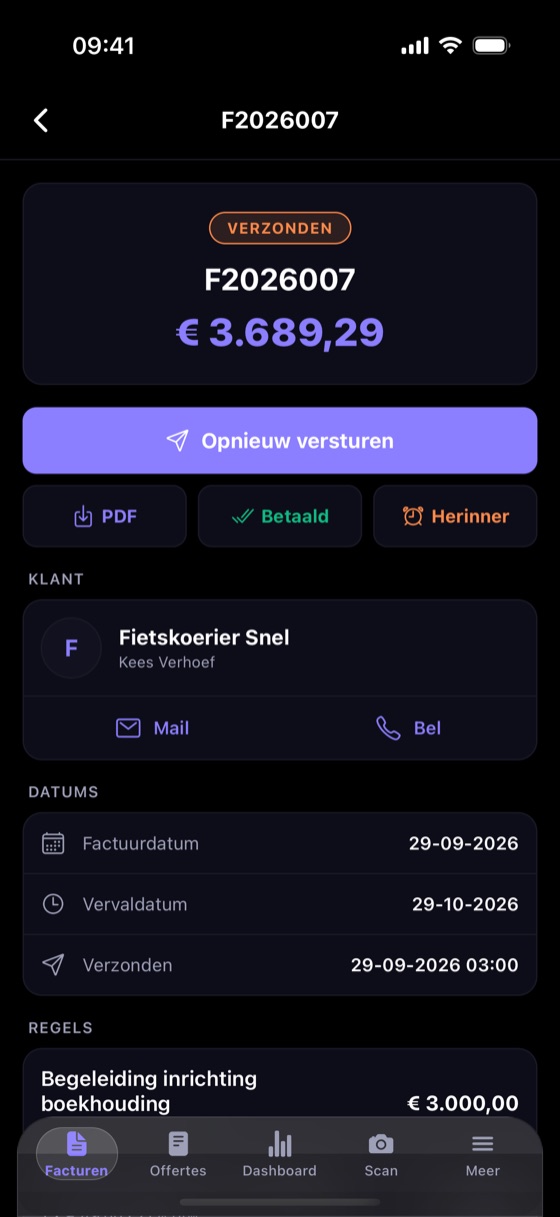
Tap Send: your client receives the invoice by email, with the PDF attached. Not paid on time? Send a reminder. Once it is paid, mark it as Paid.
-
4
Quote accepted? Turn it into an invoice
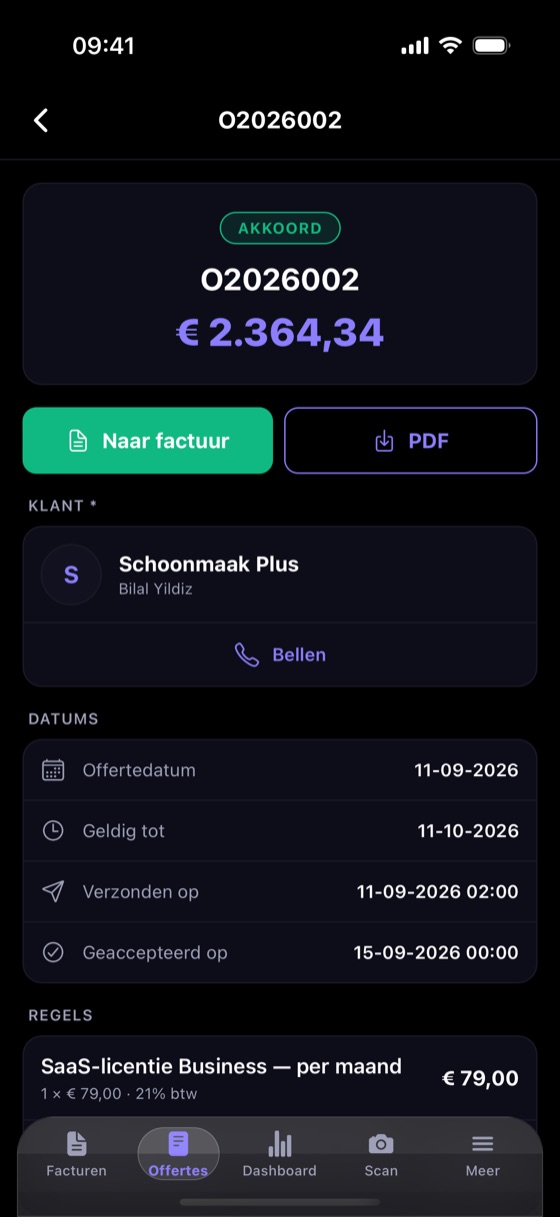
You create and send a quote the same way. Your client says yes via the link in the email, and the quote shows Accepted. Tap To invoice and you have the invoice right away, with the same lines.
-
5
Scan your receipts
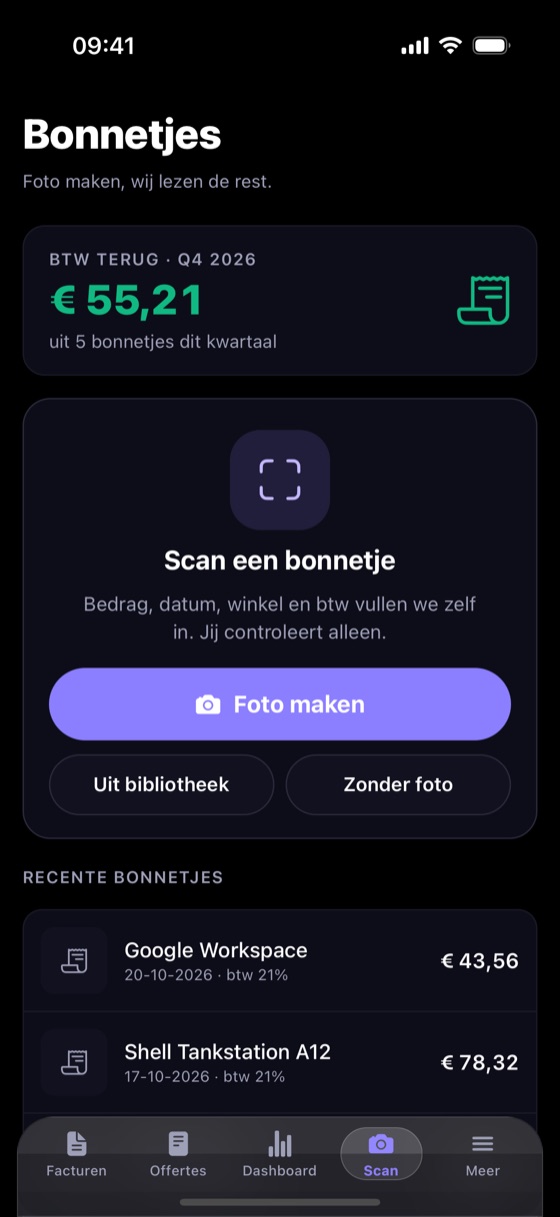
Take a photo of your receipt. We fill in the amount, date, shop and VAT; you only check. At the top you see how much VAT you can reclaim this quarter.
-
6
Track your hours and trips
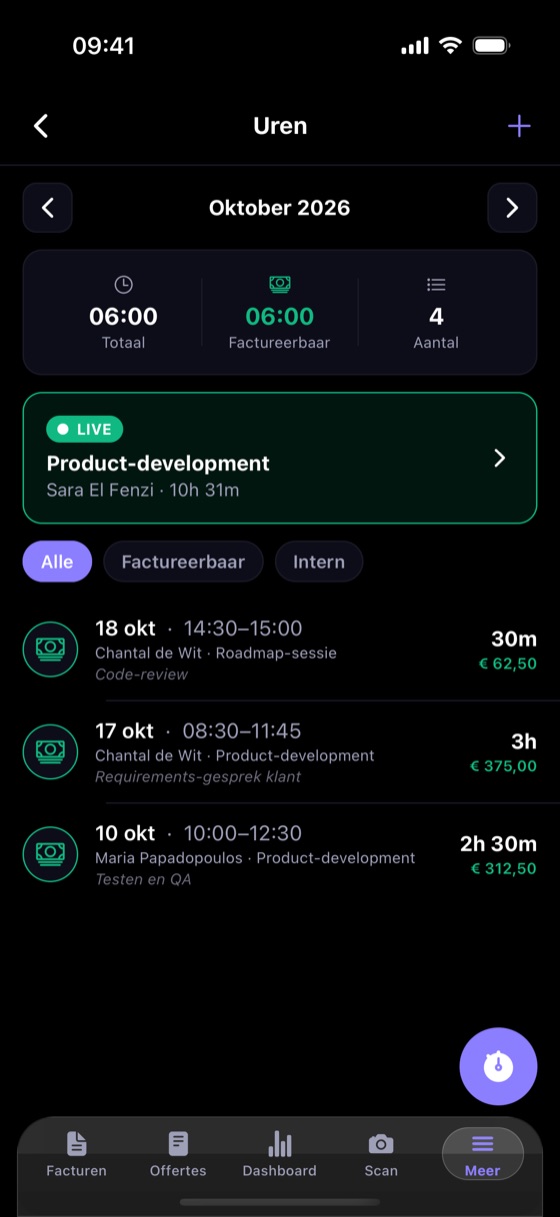
Start the timer when you begin, or enter your hours afterwards. Trips work the same way. Whatever is billable, you add to your next invoice.
-
7
Everything else is under More
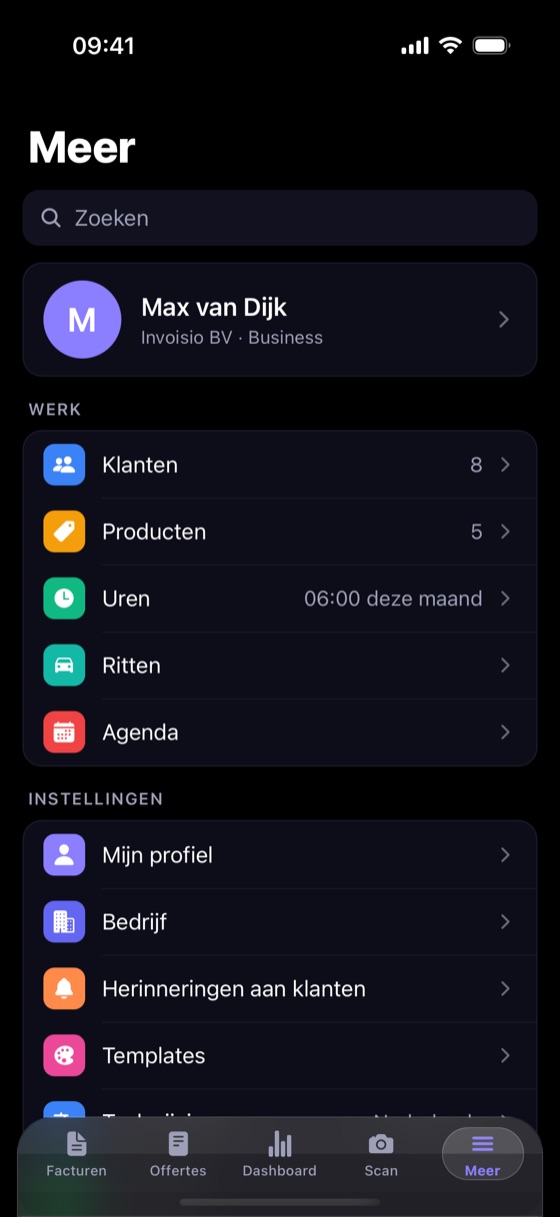
Under More you find your clients, products, hours, trips and calendar. And your settings: your company with logo and IBAN, client reminders and the template of your invoices.